A2E AI: Features, Pricing, and What to Expect
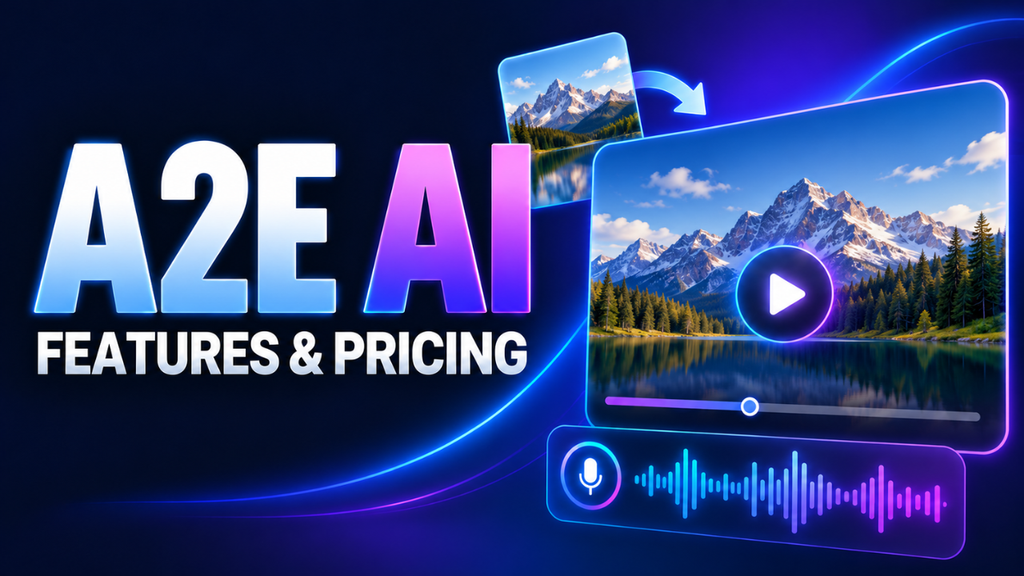
The product photo is ready. The video isn’t. You’ve got something worth showing, but recording a presenter, fixing the audio, and editing everything together could swallow the afternoon.
That’s the kind of problem A2E AI aims to solve. It brings video generation, talking portraits, digital presenters, voice cloning, and image editing into one browser-based platform.
The appeal is easy to understand. Whether it saves you time depends on the project, the material you upload, and how much correction the result needs. Before paying, it helps to understand which tools fit your work and what the credit system actually buys.
Table of Contents
- What A2E AI actually does
- From a still photo to a speaking presenter
- The projects where it makes sense
- Free credits are useful, but read the numbers
- Give your first attempt a fair chance
- Look closely before you publish
- Be careful with faces, voices, and sharing
- Is A2E AI worth trying?
What A2E AI actually does
A2E gives you several ways to create and change visual content. You can animate a photograph, build a video around a digital presenter, generate speech, or experiment with face and head swaps. It also offers tools for creating and editing images.
The important distinction is between those jobs. Adding movement to a product photograph is different from making a portrait deliver a spoken message. Choosing the right feature gives your project a clearer starting point.
Its image-to-video service also provides access to multiple generation models. That gives you room to compare approaches, although available settings and capabilities depend on the model you select.
I’d start with a specific task: “I need a short opening shot for this product.” That’s much easier to evaluate than “Let’s see everything this platform can do.”
From a still photo to a speaking presenter
For a straightforward presenter video, A2E lets you choose a public or custom avatar, enter text or upload recorded speech, and adjust elements such as the background, aspect ratio, and captions. Mouth movement is part of that workflow.
Talking Photo takes a portrait as its starting point. You supply the picture, then add uploaded audio or speech generated from text. Think of a brief welcome message from a course instructor or an introduction from a fictional brand character.
Voice cloning is another option. A2E accepts recordings to create a voice replica for spoken content. Its own guidance stresses the importance of clean source audio.
That last detail deserves attention. A recording made beside a rattling fan gives you a poor foundation. Find a quiet room, speak naturally, and listen to the sample before uploading it.
For visual work, keep movement purposeful. A gentle camera move around a coffee bag might suit a product introduction. Asking the same image to support a busy scene with several moving objects creates a much more demanding test.
The projects where it makes sense
The strongest use cases are often ordinary.
Imagine a small shop introducing three new products. The owner already has photographs and a short description of each item. Turning those assets into brief visual drafts could help them explore different openings before investing in a larger shoot.
A trainer could use a speaking presenter for a short explanation that changes whenever company procedures change. Someone planning a social campaign might test whether an animated product shot communicates the idea clearly.
These are potential uses, rather than promises about the results you’ll get. The useful question is whether the finished clip serves its audience.
For anything built around a personal relationship, consider how much your actual presence matters. A founder explaining a difficult decision may benefit from recording directly. A simple instruction about where to find a download has different demands.
Choose the format around the message.
Free credits are useful, but read the numbers
According to A2E’s FAQ, new accounts receive 100 signup credits, with another 30 available through daily check-in. No payment card is required to begin. Those daily credits need to be claimed.
The public pricing page currently lists a free tier with watermarked, 720p video and lower processing priority. Its headline cards advertise one-month Pro access at $14.90 and Ultra at $59.90. However, a comparison table on that same page displays higher prices. Confirm the amount and service period at checkout.
Pro’s advertised allowance includes 1,500 upfront credits plus 60 per day through check-in. Reaching the stated 3,300-credit total over 30 days requires claiming every daily bonus; missed claims aren’t added afterward.
Credits also need translating into actual work. The avatar creation page lists video generation at one credit per second, with generated speech charged separately. At that displayed video rate, a 30-second attempt uses 30 credits before speech costs. Three attempts would use 90.
That’s why I’d judge cost by the number of usable clips you finish. Leave room for revisions when deciding whether a package covers your needs.
Give your first attempt a fair chance
Start small enough that you can see what went wrong.
For a speaking portrait, try a short message with one idea. A greeting followed by a simple instruction gives you a manageable sample of pronunciation, pacing, and facial movement.
Read the words aloud first. If a sentence feels awkward when you say it, simplify it before generating the clip. Names, abbreviations, and product codes deserve particular attention during playback.
For image animation, describe visible action. “The camera moves slowly toward the mug while steam rises” gives a clearer direction than “Make this amazing.”
Keep a copy of your original image and prompt. Change one meaningful element between attempts so you can compare the results.
It also helps to decide what counts as success before you begin. Perhaps the product label must stay readable, or the presenter must pronounce a customer’s name correctly. Having a clear requirement makes it easier to stop experimenting once the clip does its job.
Look closely before you publish
A polished preview can make you overlook small problems. Give the finished clip a separate review.
Watch the face, mouth, hands, and any object being held. If you’re showing a product, compare it with the original photograph. Pay attention to packaging, lettering, proportions, and details that could change what a customer thinks they’re buying.
A shop selling a patterned shirt, for example, should check that the pattern stays consistent as the image moves. A small visual change can become a misleading product detail.
Listen without watching, too. Odd pauses or misplaced emphasis can be easier to notice when the visuals aren’t competing for attention.
Then view the video where people will actually encounter it. A caption that looks comfortable on a desktop may be difficult to read on a phone.
For a client project, allow time for that review and any revisions before promising a delivery date.
Be careful with faces, voices, and sharing
A face or voice carries someone’s identity. A2E’s terms require ownership or the necessary permission for uploaded media, including consent when using another person’s likeness.
Get permission that covers the intended use. Someone agreeing to appear in a photograph may have different feelings about that photograph delivering a spoken endorsement.
Sharing settings matter as well. A2E’s privacy policy says saved avatars remain available until deleted. It also states that voluntarily sharing an avatar grants the platform permanent, irrevocable rights to it. Read that provision before making a personal avatar available to others.
There’s also an inconsistency worth knowing about: the privacy policy gives a default seven-day deletion period for uploaded and generated media, while the terms contain a 30-day reference. Download finished work promptly, and ask support to clarify retention before uploading sensitive material.
Keep your own copies of anything you need to retain.
Is A2E AI worth trying?
A2E AI is worth a small trial if you have a clear job for its video, portrait, or voice tools. The free credits provide a way to explore that fit before purchasing access.
My preference would be to test one realistic project from start to finish. Count the attempts, review the output carefully, and include the time spent correcting it.
If you finish with a clip you can confidently use, you’ve learned something valuable. If the corrections take longer than making the video another way, you’ve learned something equally useful. Let that experience guide the spending.





1 thought on “A2E AI: Features, Pricing, and What to Expect”